
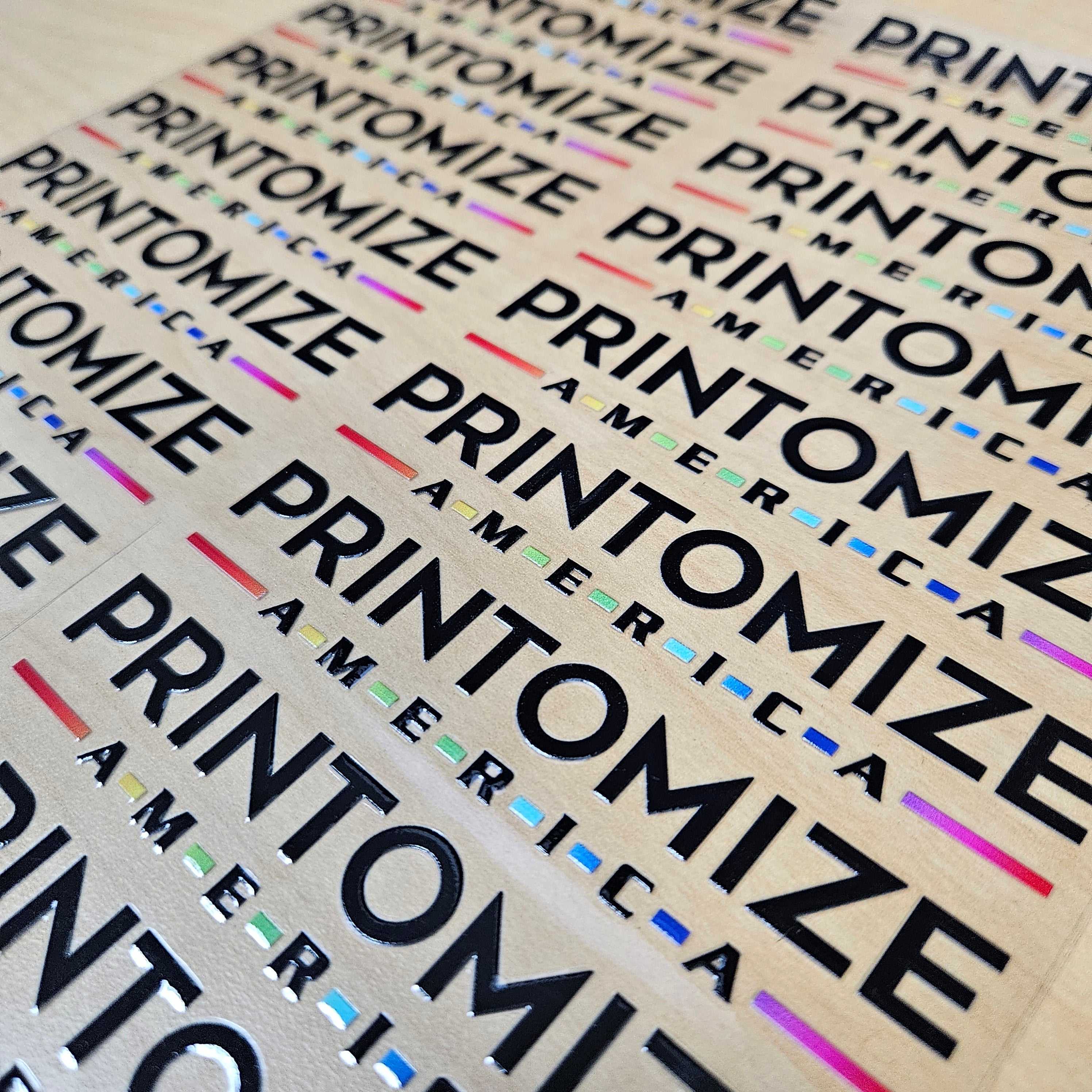
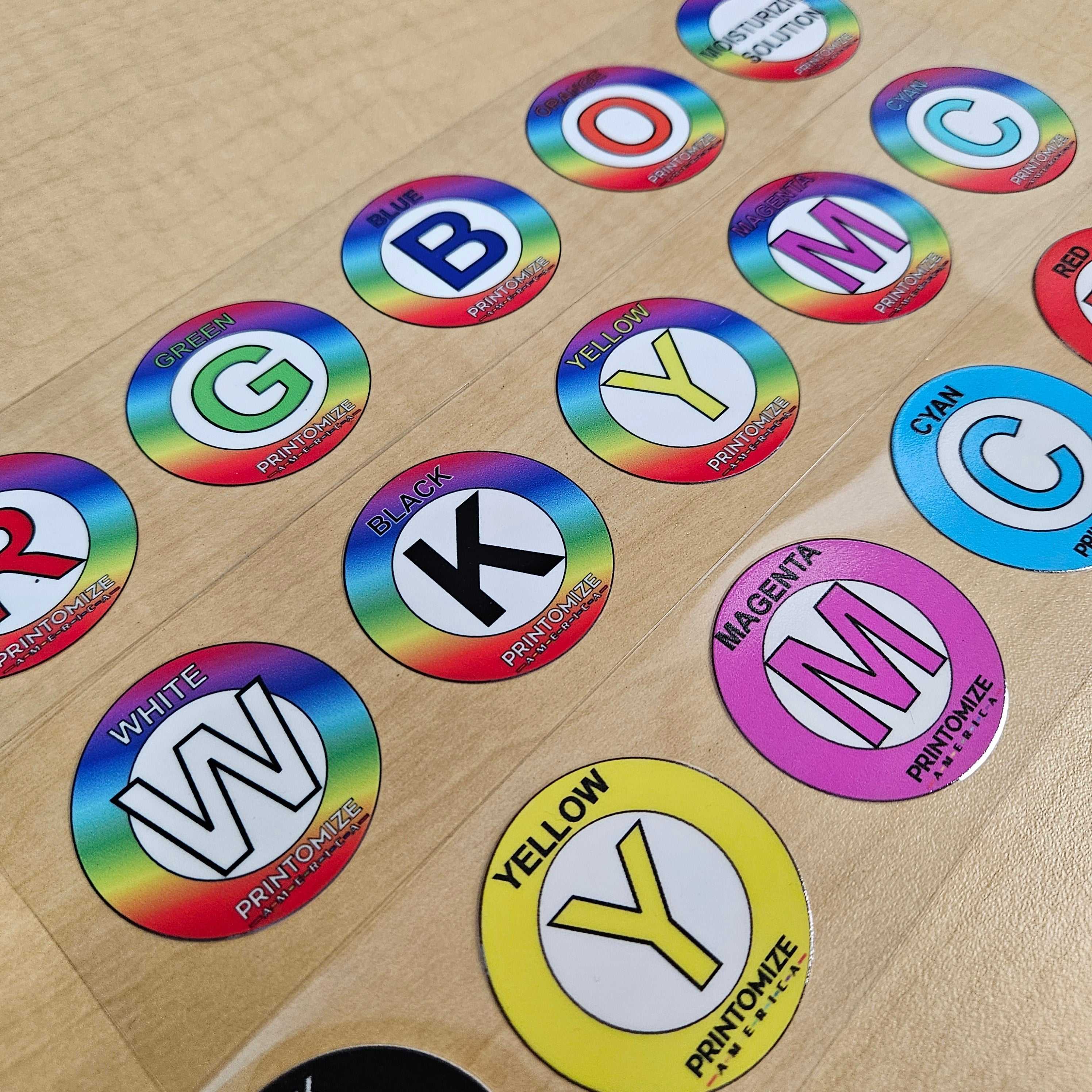
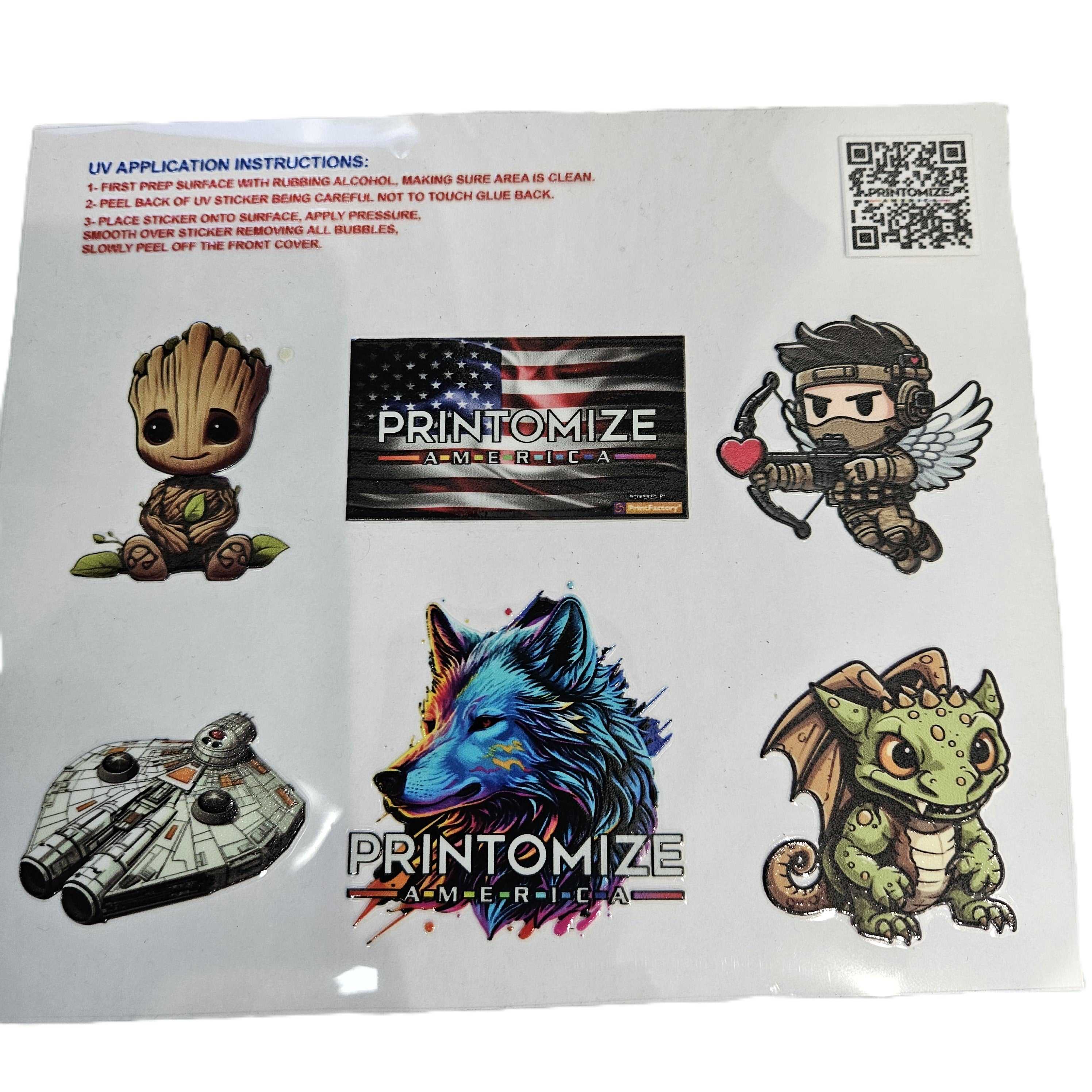
UV DTF Transfers
UV DTF Transfers
22 in x 6 in
Printomize America
20505 Earl Street
Torrance CA 90503
United States
Choose options
UV DTF Transfers
- Gang sheets cannot exceed the maximum width of 22"
VECTOR FILES ARE PREFERRED if raster images are provide they must be at the correct size, on a transparent background and a minimum of 300 dpi
Preferred file types: PDF, PNG
- Accepted file types: EPS, PNG
- Colors should be in CMYK or Pantone Coated PMS
- RGB files can have color shifts when converting to CMYK
- minimum line thickness must be equal or greater then 7.5px / 0.25" / 0.6mm
- Your ORIGINAL design/designs need to be at 300dpi at it's largest size. If you enlarge a 300dpi design from 3 inches to 9 inches it will no longer be 300dpi.
Note: it is the customer's responsibility that artwork meets all the requirements for printing. We print artwork the way it is submitted.
DELIVERY/SHIPPING:
Note: it is the customer's responsibility that artwork meets all the requirements for printing. We print artwork the way it is submitted.
Standard: Orders submitted before 11am PST will ship same day. Orders received after 11am PST will ship next day.
Urgent: For urgent same day orders submitted after 11am PST please call and email us to confirm. Note an additional fee may be applied.
Once you have placed your order e-mail your print ready files to art@printomize.com
UV Transfer Application Guide
Follow these step-by-step instructions to apply Printomize America UV transfers for optimal results.
-
Prepare the Surface:
- Clean the surface thoroughly with rubbing alcohol.
- Ensure it is completely dry and free of dust, oil, or moisture.
-
Prep the Transfer Sheet:
- Place the UV transfer on the carrier sheet.
- Smooth it gently with a squeegee or flat tool, starting from the center outward to remove air bubbles.
-
Cut the Transfer:
- Cut around the design, leaving a small margin to make peeling easier.
-
Expose the Adhesive:
- Carefully peel back the protective film from the adhesive side.
- Avoid touching the sticky surface to maintain adhesion.
-
Apply the Transfer:
- Position the sticker onto the desired surface.
- Press evenly with fingers, a squeegee, or a soft cloth to remove all air bubbles.
-
Remove the Front Cover:
- Slowly peel off the front protective cover at a low angle.
- Ensure the transfer adheres fully and smoothly to the surface.
Tip: For best results, handle transfers carefully and apply even pressure to avoid bubbles or peeling.