
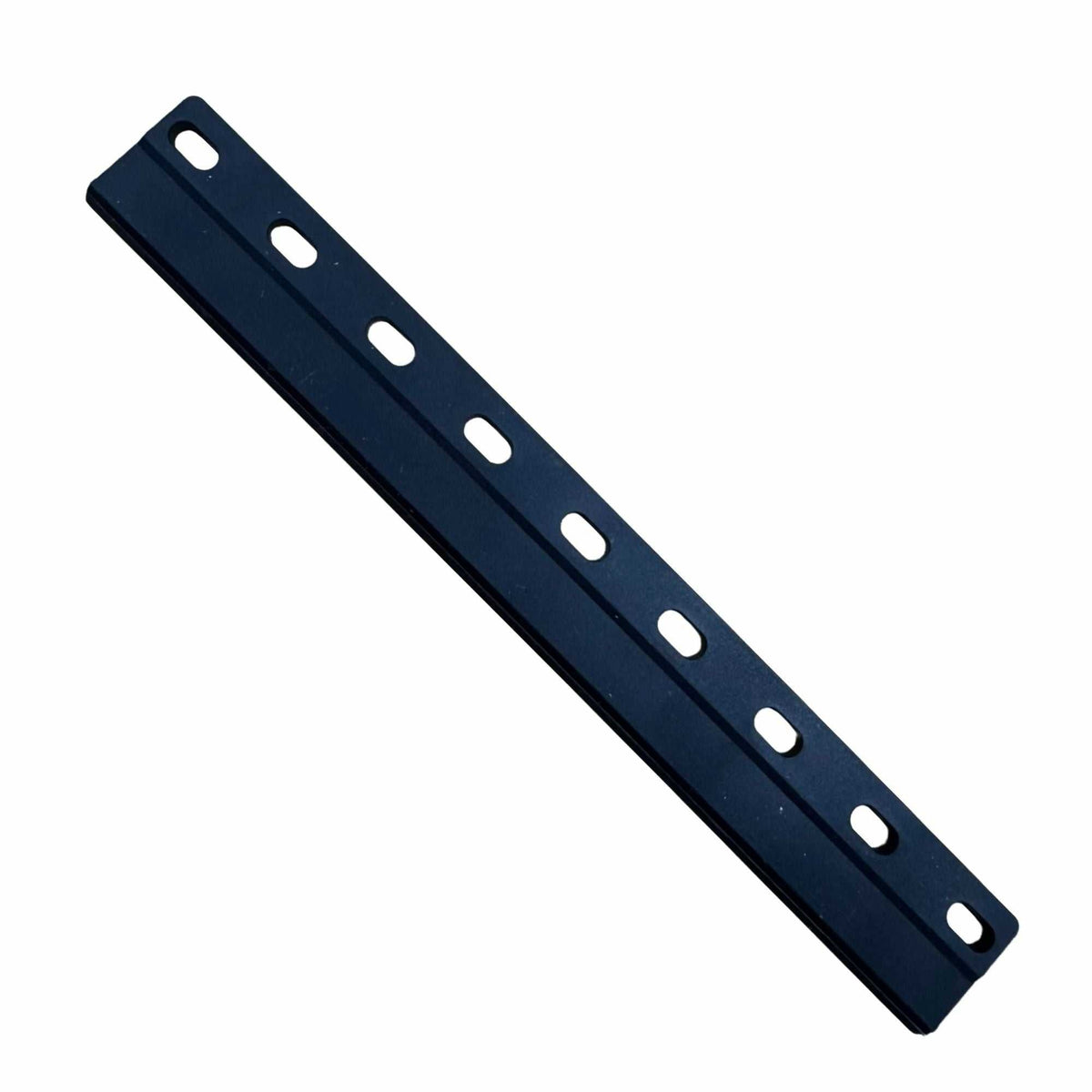
Printhead Wiper Blade
Printhead Wiper Blade
Peregrine 2 & 4
Printomize America
20505 Earl Street
Torrance CA 90503
United States
Choose options
Printhead Wiper Blade
The wiper blade cleans the face of the printhead at the end of every cleaning cycle, clearing ink residue and debris before they dry on the nozzle plate.
Why a worn wiper causes clogs
A wiper is a consumable with a specific job: it has to make even contact across the full width of the nozzle plate. As the edge wears or hardens it stops making that contact, so each cleaning cycle leaves a film of ink behind instead of removing it. That residue dries, and the nozzles it covers begin dropping out.
The symptom looks like a clogging problem, so the usual response is more cleaning cycles — which consumes ink and wastes time while the actual cause sits untouched. If nozzle dropouts are returning shortly after every clean, check the wiper before you reach for the cleaning solution.
Choose your printer above
Dimensions:
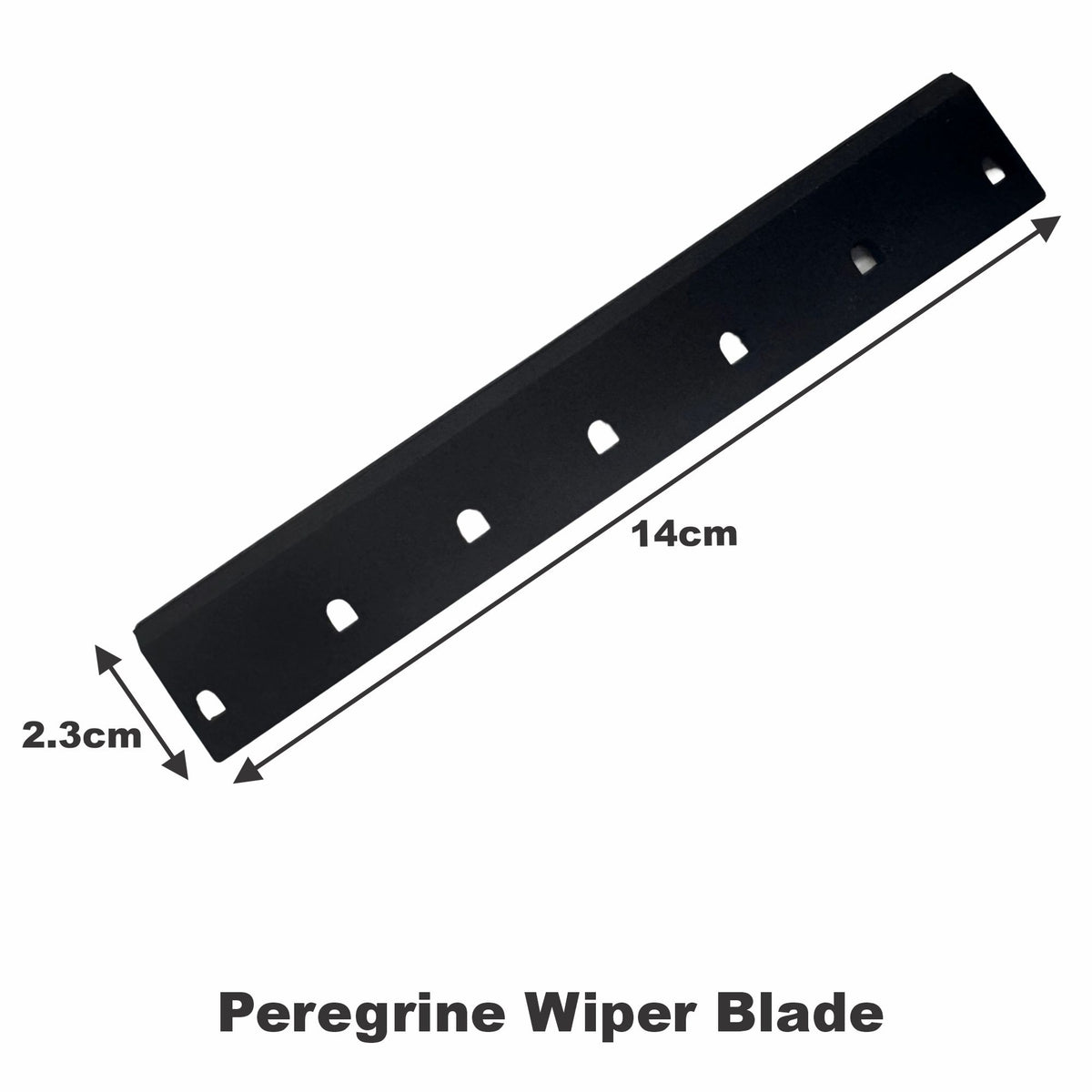
- Peregrine 2 & 4 14cm x 2.3cm
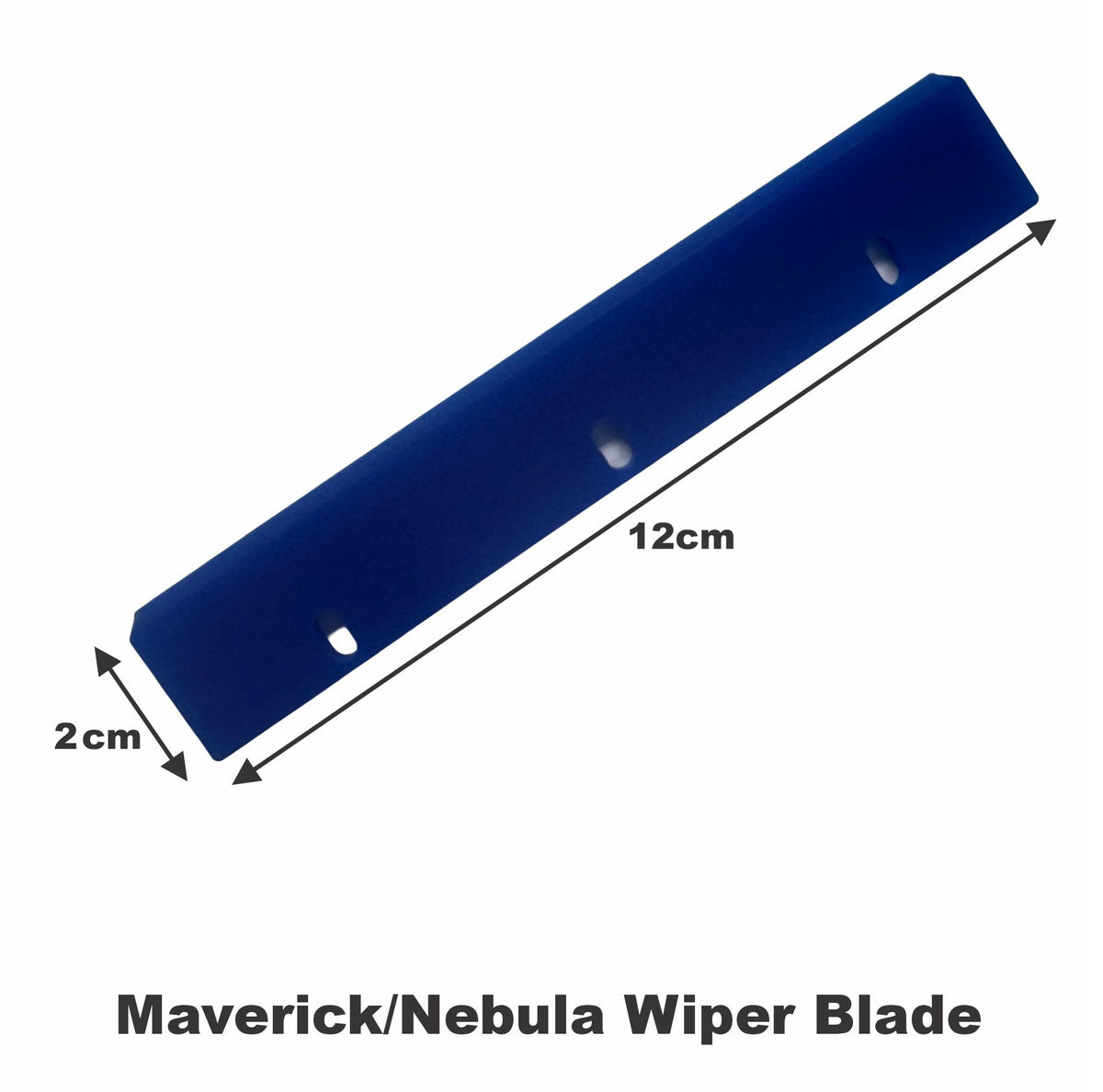
- Maverick & Nebula 12cm x 2cm
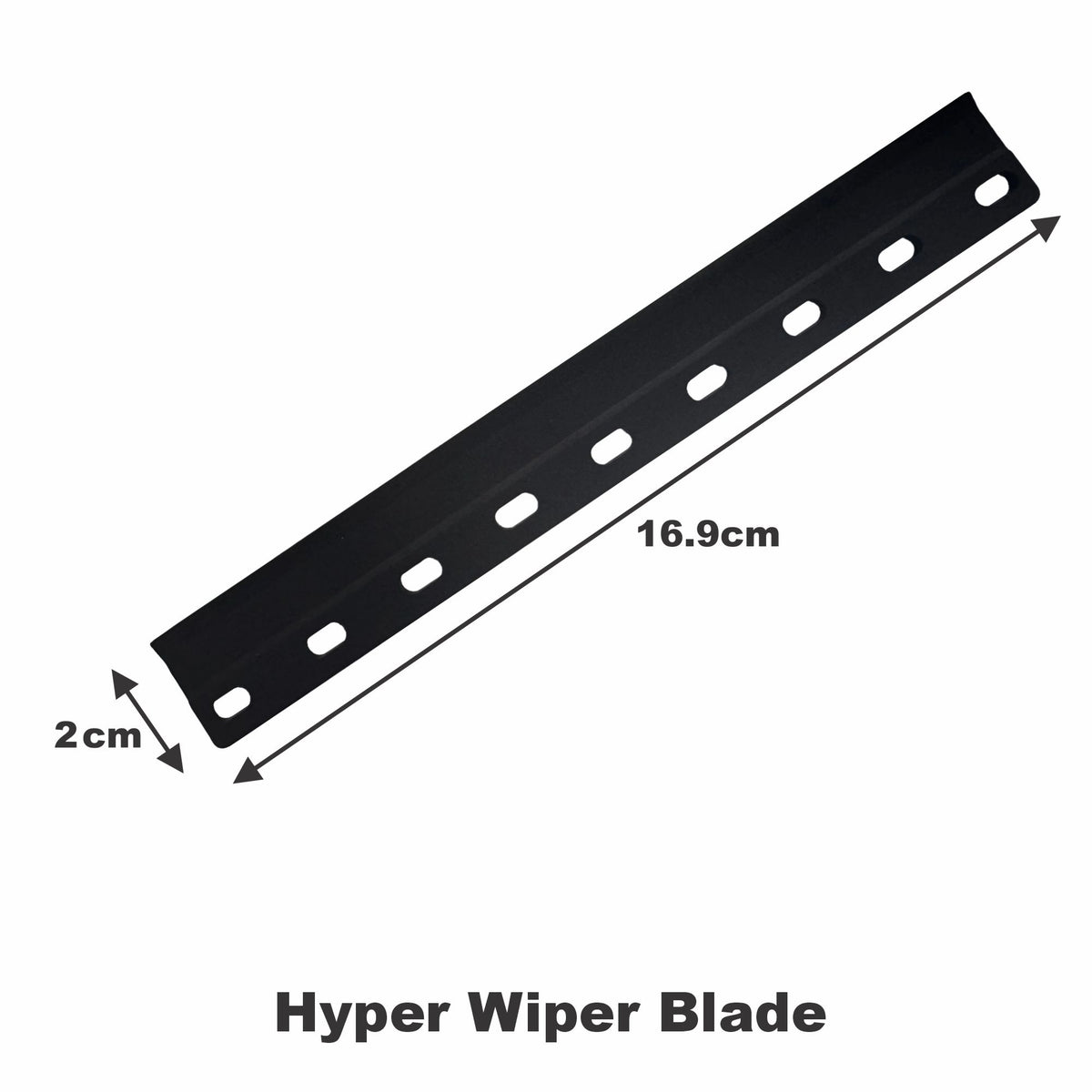
- Hyper & UV DTF 16.9cm x 2cm
Wipers are cheap and wear steadily rather than failing outright, so they are worth replacing on a schedule instead of waiting for print quality to tell you.
Related
- KodaColor Cleaning Solution — for removing congealed ink from a wiper, capping station or printhead face